Varying the Date Format Based on the Selected Country
The expiration date format can be changed to match the user's selected country. This depends on the date formats set in the Shopify Admin's Theme Content Editor.
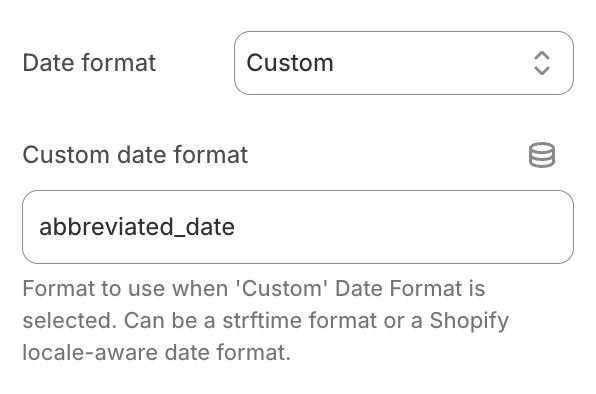
If you're using our Shopify theme integration, this can be done by selecting "Custom" from the "Date format" field and entering a Shopify locale-aware date format name. For example, if the format you want to use is named abbreviated_date, you'd configure following:
Shopify restricts the list of date format names that can be used to the following:
abbreviated_datebasicdatedate_at_timedefaulton_dateshortlong
Custom format names can be used but they do not work with Shopify theme integration. In this case you must manually add the snippet to your theme and explicitly set the format via {{ allocation.time | date: format: "your_format_name" }}.