Tracking a Batch's Unit Cost
Shopify’s "Cost per item" field stores one cost per variant. Updating it can erase the distinction between deliveries bought at different prices. The Product Expiration Dates app allows one to enter a cost per batch, which allows users to accurately track delivery cost history.
You can assign values to each delivery via the "batch unit cost" field:
- Go to the inventory batches page
- On the Batches tab click on the cog icon:
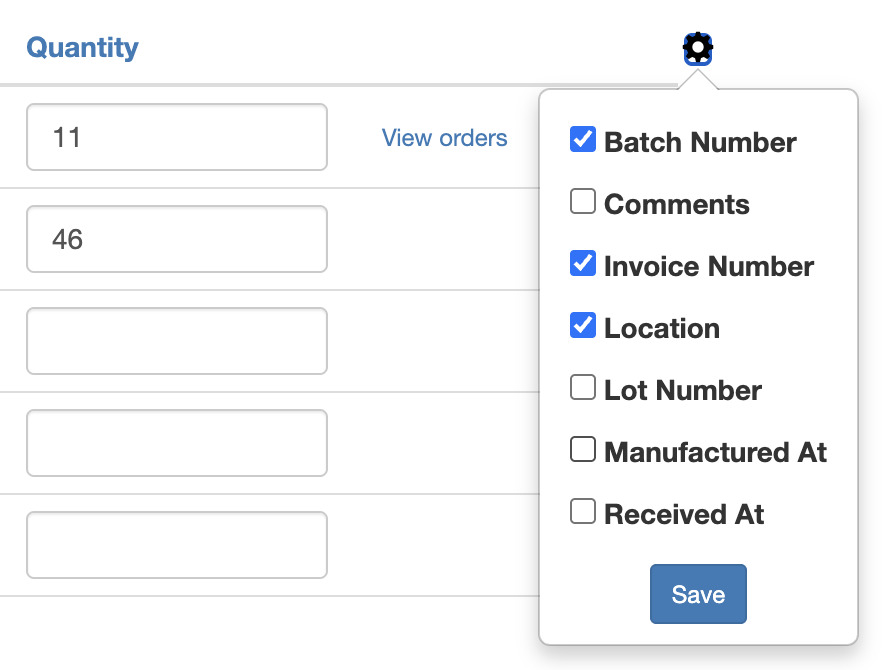
- This will display a menu with additional fields
- Select "Batch unit cost"
- Click Save
Now the "Batch unit cost" field will be shown every time you add batches.
You can also display the batch unit cost on the inventory batches home page by following the same steps.