Uninstalling the App
Before uninstalling the app existing product labels must be removed. This includes:
- Labels automatically added to your product descriptions
- Labels manually added via embed code
Labels Automatically Added to Your Product Descriptions
These labels can be removed by deleting all of your labels. To do this:
-
Visit the My Labels page
-
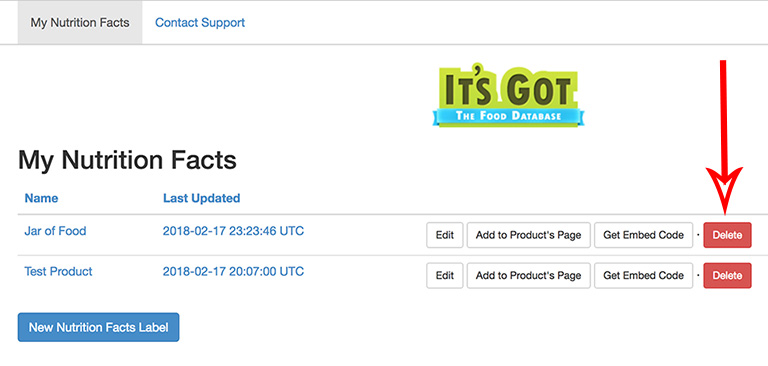
For each label that was automatically added, click on its Delete button:
If you need help contact our support team.
Labels Manually Added via Embed Code
Embed code that you've manually added to your site will not be automatically removed. You must do this yourself. If you need help contact our support team.