Setting a Label's Width
The width of a label can be:
- A fixed pixel value
- A percentage of its parent HTML element's size
- Vary by a user's device e.g., tablet vs desktop
Fixed and percentage widths can be set via a label's the "Width" field, located in the Label Display Setting's General section. The width field is composed of a the width's value and its unit:
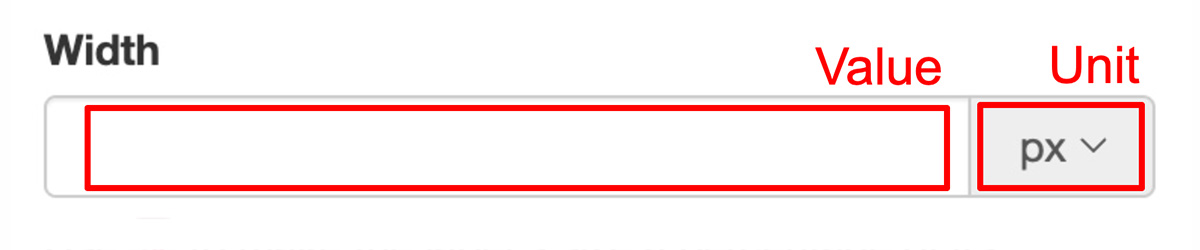
The unit can be either pixels (px) or a percentage (%).
A default width can be set on your account's settings page.
Each option is described on the following pages: