Add to Product Description Button
A nutrition label can be added the top, bottom, or custom location in your product's description. You can set one of these as the default from your account's settings page.
A custom location is typically used when the description contains tabs or an accordion and you want the label to be added to a specific panel (see below instructions for more information).
To add a label to the product's description:
-
Create a product label. If the product already exists, locate it from the My Labels page and click on the product's name.
-
From the product's page locate the Add to Product's Description section
-
Select where you'd like to add the label: top, bottom or custom:
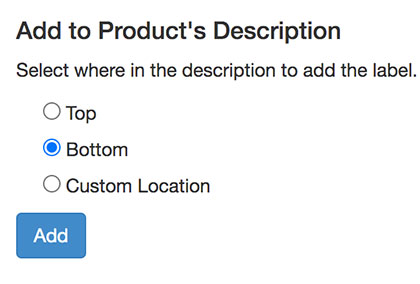
The value for custom location must be a CSS or XPath selector.
-
Click on the Add button
The label will be inserted into your product's description. It can take up to 1 minute for the label to appear on the product's page.
Be careful not to remove the label's embed code when editing the product description in the Shopify Admin
You can also add to your products' descriptions when importing products in bulk.